Storage
Storage in a virtualized environment is the foundational layer that manages how data is saved, retrieved, and organized for every Virtual Machine. Unlike a standard computer, a virtualization platform like VMX uses a sophisticated storage stack to ensure that multiple VMs can share the same physical hardware without interfering with each other's data.
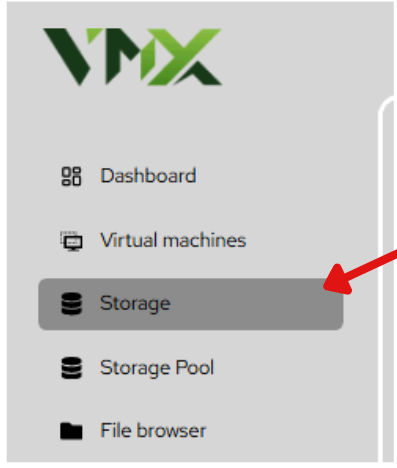
Steps To Follow:
- Click on Storage menu from the list. It will navigate you to the Storage page.
Create Volume Group (LV Group)
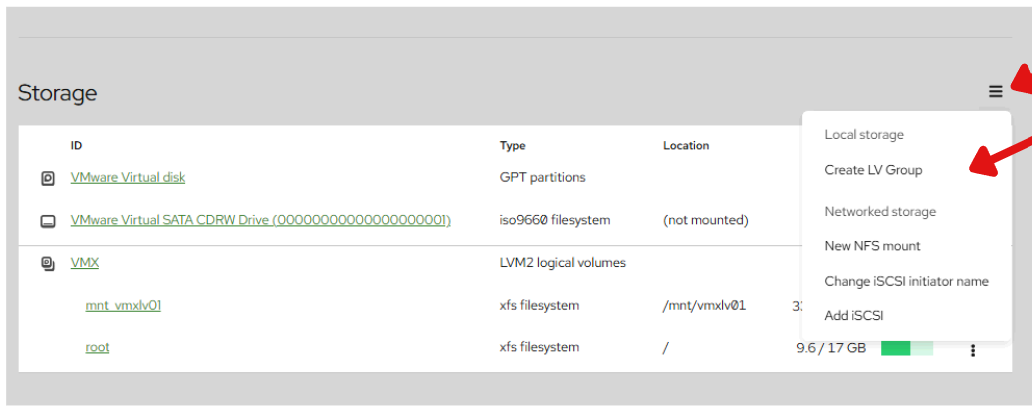
1. Click on = button from the list.
2. Click on Create LV Group button from the list.
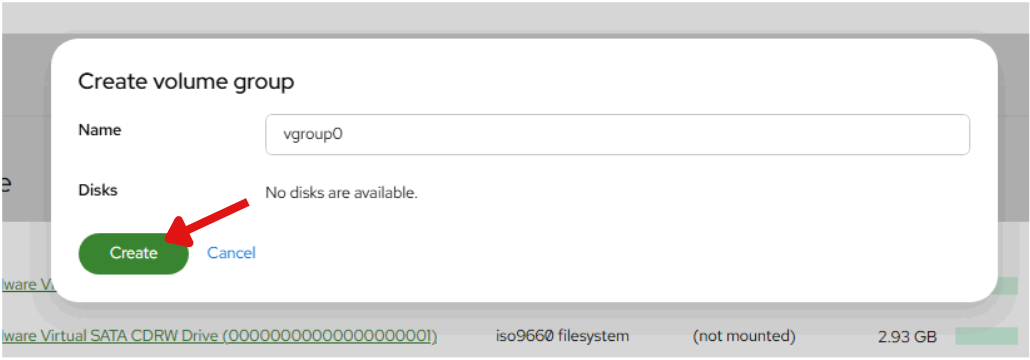
3. Enter a unique Name for your LV Group.
4. Click on Create button from the list.