Login
To access the VMX dashboard, you must navigate to the server's IP address and port using a web browser.
- URL Format: Enter your server's IP address followed by :9090.
- Example: https://192.168.1.211:9090
- Security Note: You may see a "Not Secure" warning in your browser because the system uses a self-signed SSL certificate by default. You can safely proceed to the site by clicking "Advanced" and then "Proceed."
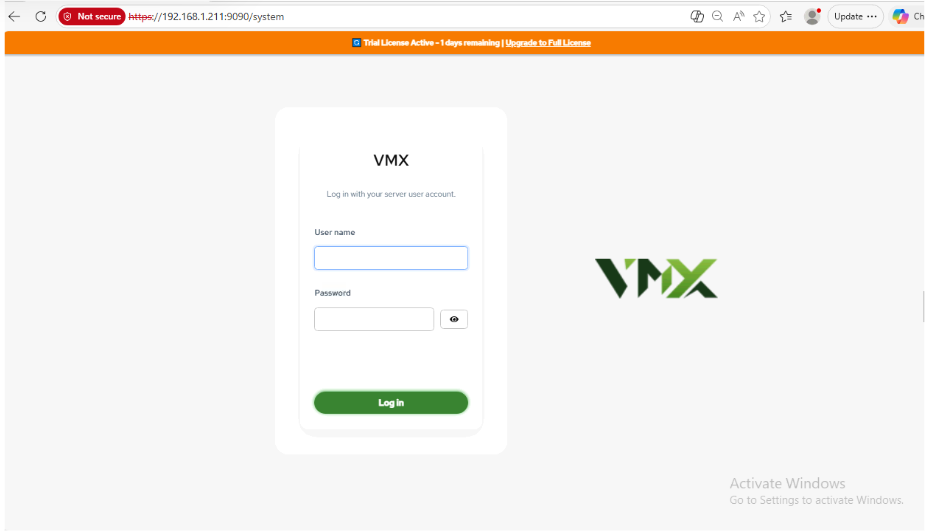
Login Procedure
Once the page loads, you will be presented with the VMX login screen.
- User name: Enter your standard server Linux username (e.g., root or an administrative user).
- Password: Enter the password associated with that account. You can click the Eye Icon to verify the characters you have typed.
- Action: Click the green Log in button to access the dashboard.