File Browser
File Browser module within the VMX platform. This interface allows administrators to manage files stored on the host system, including ISO images, virtual disk images, and other system files.
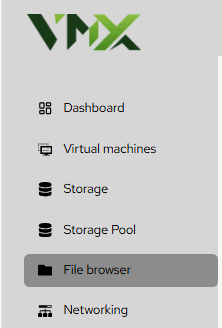
Steps To Follow:
- Click on File Browser menu from the list. It will navigate you to the File Browser page.
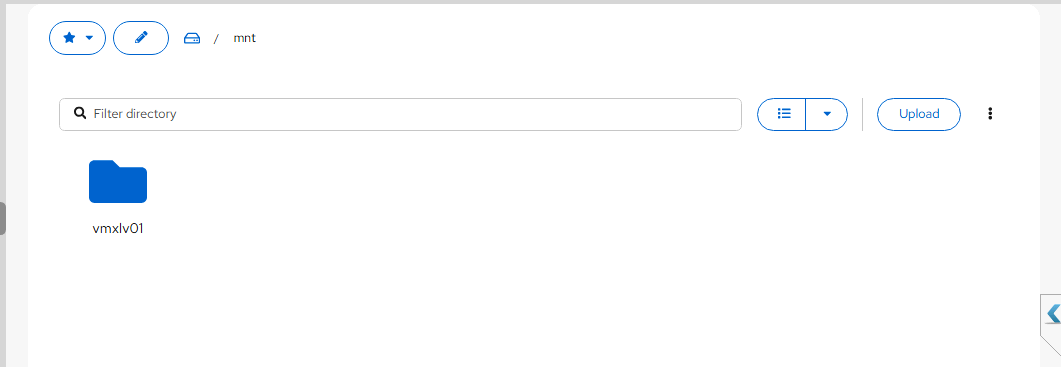
- Breadcrumb Navigation: The top bar (e.g., 🏠 / mnt) shows your current location in the Linux file system. You can click any part of the path to jump back to a parent directory.
- Favorites (⭐): Click the star icon to bookmark frequently used directories, such as your primary ISO library or VM backup folder.
- Edit Path: Use the pencil icon to manually type a directory path for quick jumping.
| Feature | Description |
|---|---|
| Filter directory | Use the search bar to find specific files or folders within the current view. |
| View Toggle | Switch between a Grid View (large icons) or a List View (detailed metadata like size and permissions). |
| Folder Interaction | Double-click a folder (e.g., vmxlv01) to enter it. |