Diagnostics reports
Diagnostic Reports module in the VMX platform. This tool is essential for system maintenance and troubleshooting, as it automates the collection of configuration details and logs into a single, comprehensive package known as an SOS report.
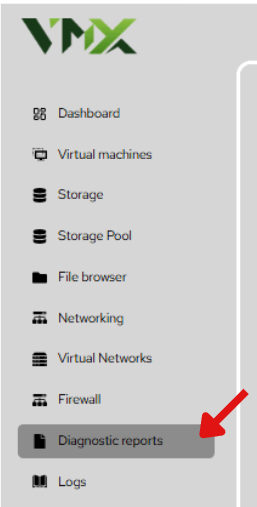
Steps To Follow:
- Click on Diagnostics reports menu from the list. It will navigate you to the Diagnostics reports page.
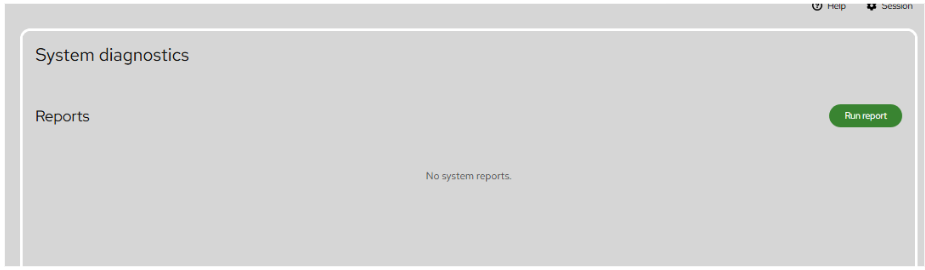
Purpose of System Diagnostics
Diagnostic reports are used to capture the current state of the server. This is particularly helpful when:
- Providing technical data to support teams for troubleshooting.
- Auditing system configurations after a major update.
- Identifying the root cause of hardware or software failures.
Managing Reports
The System diagnostics dashboard serves as a history log for all previously generated reports.
- Reports List: Displays all existing diagnostic files stored on the system.
- Run report: Initiates the generation of a new system snapshot.
- Storage: Reports are stored locally on the host system to ensure data privacy and accessibility even if external networking is limited.